AI

How to Open Excel, Word and PowerPoint Files with No Install and No Sign-up — A Guide to Our 3 Free Browser Office Editors

You’ve probably been here before. A .xlsx quote lands in your inbox and this computer doesn’t have Excel. Uploading a work document to some random converter site feels wrong, and every “free viewer” wants an install and shows six ads.

So we built three office editors that run entirely in the browser: MeNew Sheet (spreadsheets), MeNew Write (documents) and MeNew Show (presentations). All three are free, require no account, and — most importantly — your file never leaves your browser. This guide covers how to use each one, and is honest about where they stop.

Like everything else on this site, all three tools were designed and built with AI — because the surest way to understand a technology is to ship something with it.

Why “no upload” matters

Most online document converters and editors work by uploading your file to their server first. Fine for a personal shopping list; not fine for a company quote, HR data or a draft contract. You can’t know where that file is stored or when it’s deleted.

The MeNew tools are structurally different: the file is read locally by your browser and is never sent over the network. There is no server receiving your file, so there is no server to leak it. The editor even keeps working if your internet drops.

MeNew Sheet — Excel files (XLSX · CSV)

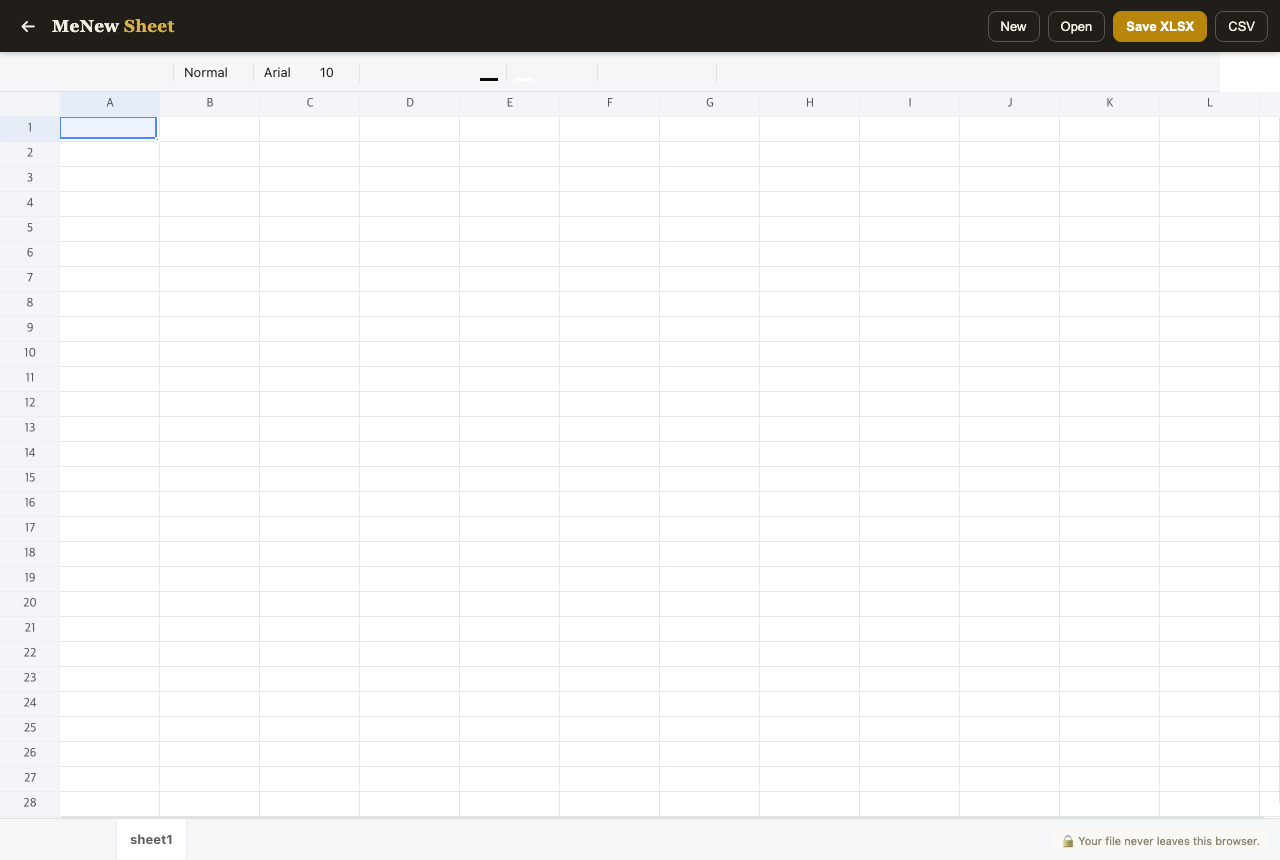
The MeNew Sheet spreadsheet editor — toolbar, formula support and sheet tabs

Open MeNew Sheet →

Open .xlsx, .xls or .csv, edit, and save back as a real .xlsx or .csv. It works the way you expect:

  1. Click Open to pick a file (or start with a new document)
  2. Double-click a cell (or just type) to enter data; start with = for formulas — =SUM(B2:B10), =AVERAGE(...) and friends
  3. Use the toolbar for fonts, colors, borders, merged cells and number formats; switch sheets with the bottom tabs
  4. Hit Save XLSX and the edited file downloads

That covers expense sheets, name lists, and checking or fixing CSV data. What it won’t reproduce: charts, macros and pivot tables — for those documents, the core data and formulas are preserved but the rest is dropped.

MeNew Write — Word documents (DOCX)

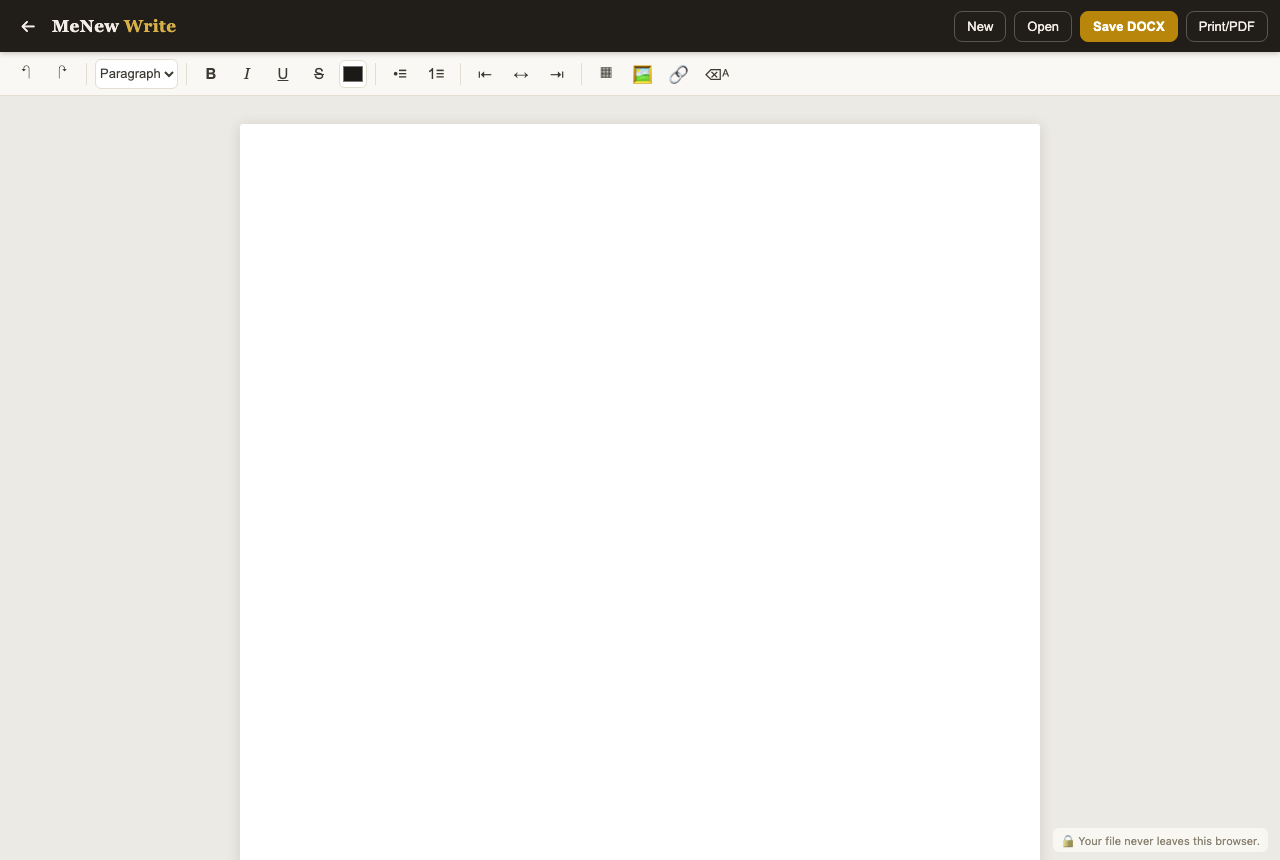
The MeNew Write document editor — formatting toolbar and page view

Open MeNew Write →

Open a .docx, edit it, save it back as .docx. You get heading/body styles, bold/italic/underline, lists, indentation, tables, images and links — the core of real document work. The Print/PDF button goes through your browser’s print dialog, so you can produce a PDF without uploading the document to yet another converter site.

It fits the “I need to edit a Word file and don’t have Word” situations: fixing a résumé, filling in a form template, writing up meeting notes.

MeNew Show — Presentations (PPTX)

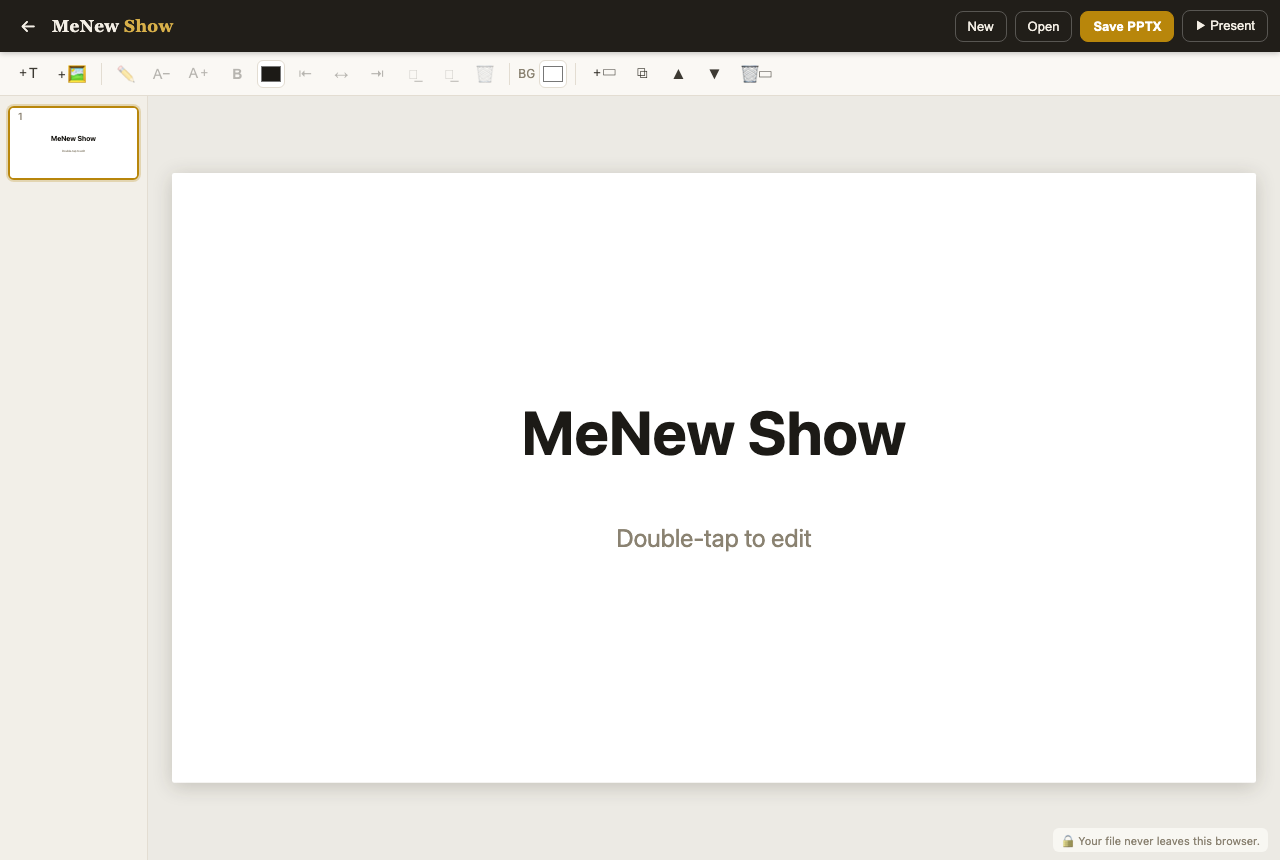
The MeNew Show presentation editor — slide list and editing canvas

Open MeNew Show →

Open a .pptx, fix the text, add, duplicate or reorder slides, and save back as .pptx. You can add text boxes and images, change backgrounds, and the ▶ Present button jumps straight into a fullscreen presentation mode. It shines in last-minute situations — fixing a typo minutes before presenting, or adding one extra slide. Animations, transitions and shape drawing are not supported.

Common questions

Really free? Yes. No sign-up, no payment, no feature gates.

Is my file safe? It’s processed entirely in your browser’s memory. Open your browser dev tools’ network tab while using it — you’ll see there’s no file upload request.

How does saving work? Edits are saved by downloading a file with the Save button. There’s no cloud auto-save, so save intermediate copies during long sessions.

How far can I trust it? For light documents, fully. For documents with charts, macros or intricate layouts, desktop office suites remain the better tool. These three aim to be the “no office suite installed” first aid kit plus a daily driver for light edits.


All three tools live on the Tools page. If something gets in your way, tell us via the contact page — real usage feedback sets the priority for the next update.

This article may contain affiliate links. Nothing here is financial or investment advice.